How to create an installation package in the Web Console and Cloud Console
- In the main window of the Web Console, select Discovery & deployment → Deployment & assignment → Installation packages.
This opens a list of installation packages that have been downloaded to Kaspersky Security Center.
- Click the Add button.
The New Package Wizard starts. Follow the instructions of the Wizard.
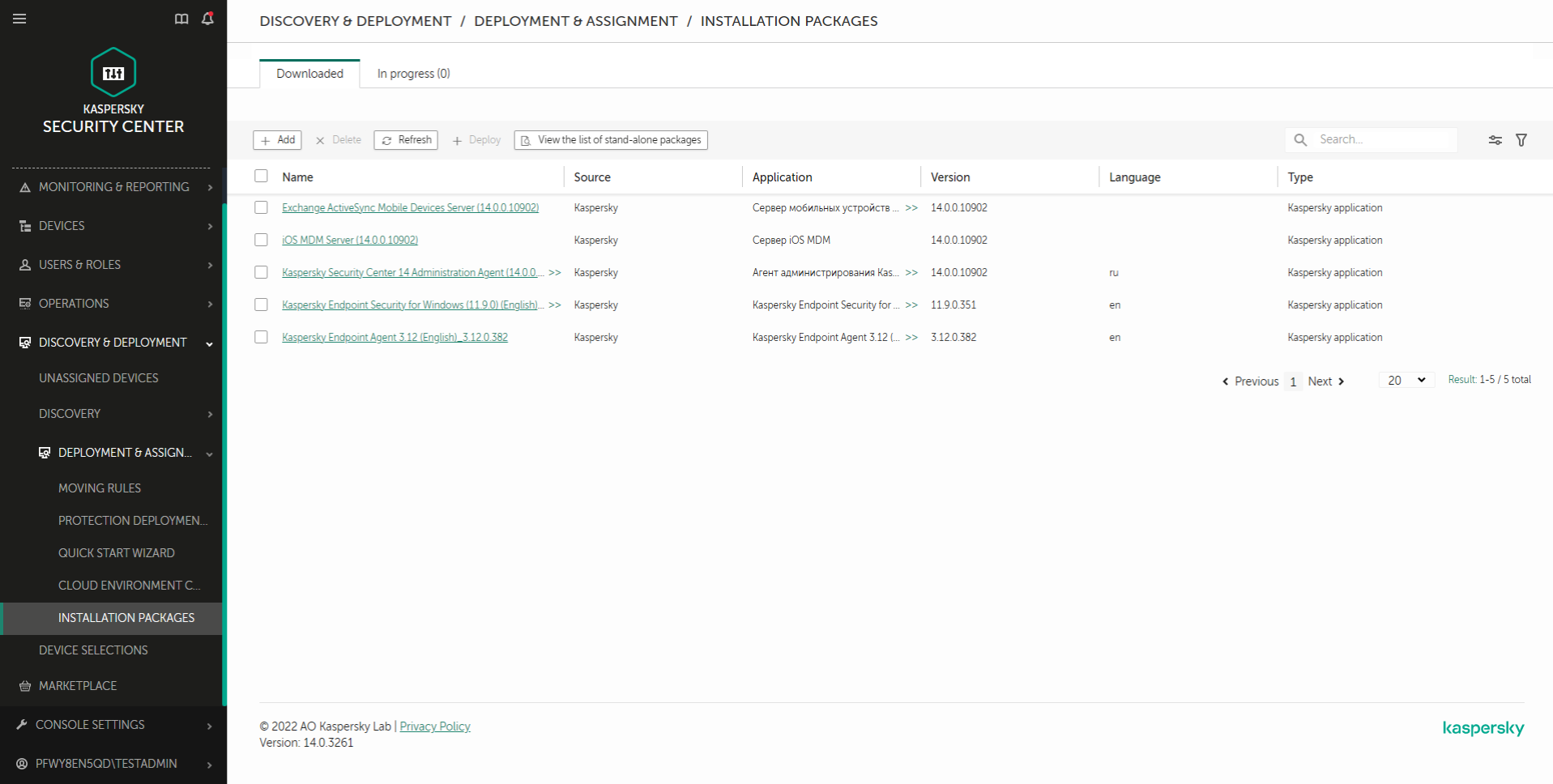
List of installation packages
Step 1. Selecting the installation package type
Select the Create an installation package for a Kaspersky application option.
The Wizard will create an installation package from the distribution package residing on Kaspersky servers. The list is updated automatically as new versions of applications are released. It is recommended to select this option for installation of Kaspersky Endpoint Security.
You can also create an installation package from a file.
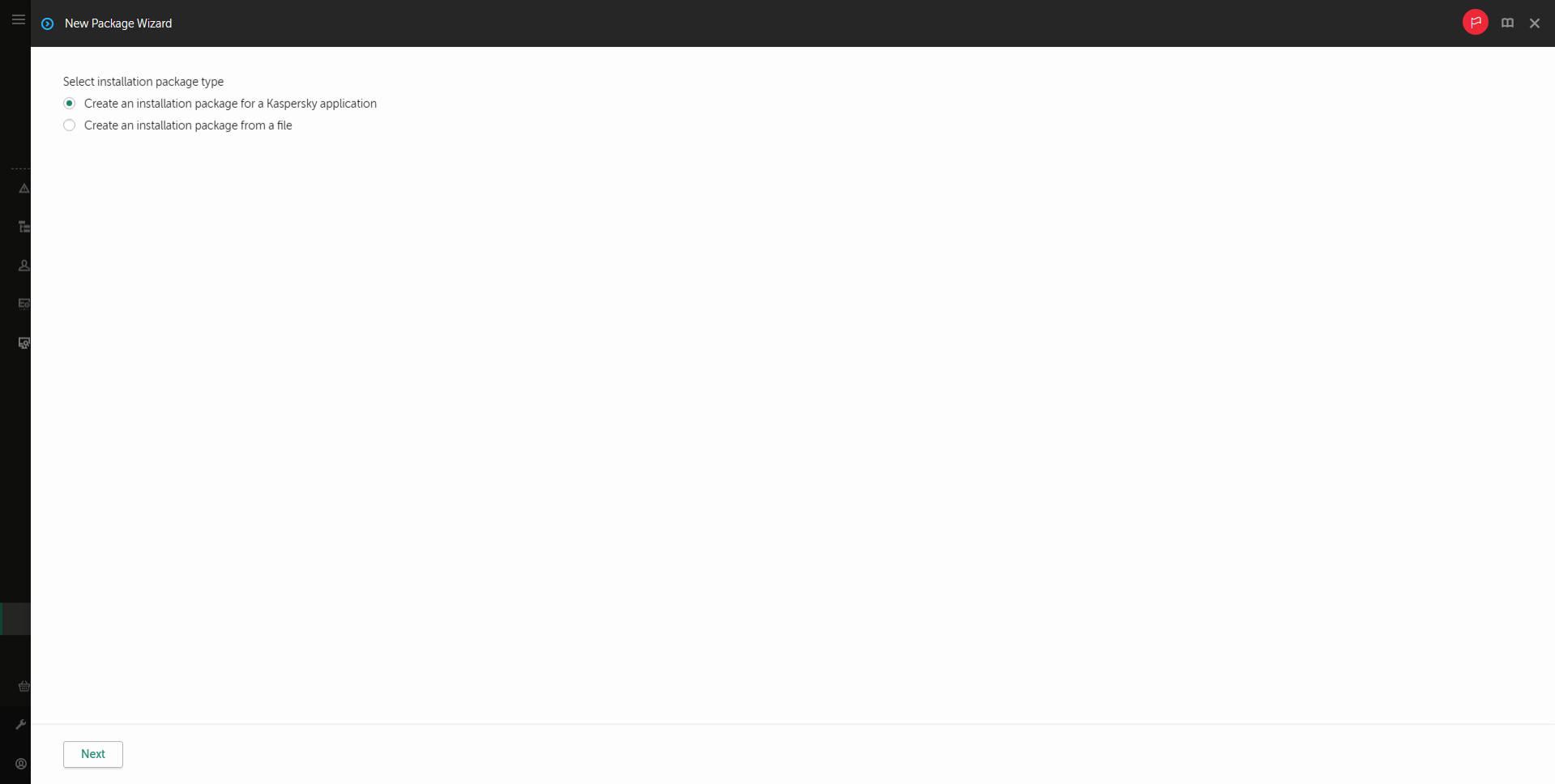
Types of installation packages
Step 2. Installation packages
Select the Kaspersky Endpoint Security for Windows installation package. The installation package creation process starts. During creation of the installation package, you must accept the terms of the End User License Agreement and Privacy Policy.
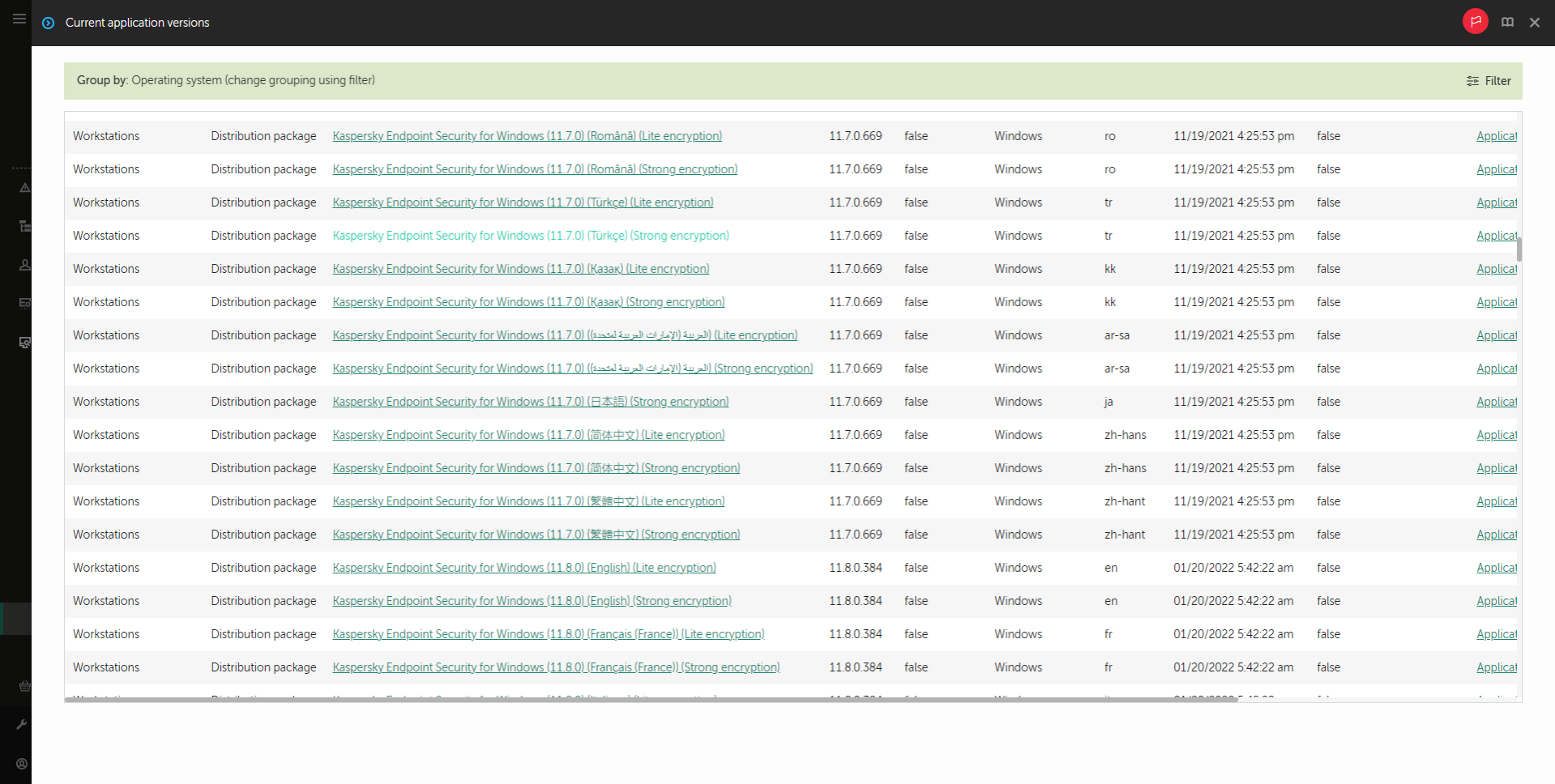
List of installation packages on Kaspersky servers
The installation package will be created and added to Kaspersky Security Center. Using the installation package, you can install Kaspersky Endpoint Security on corporate network computers or update the application version. In the installation package settings, you can also select the application components and configure the application installation settings (see the table below). The installation package contains anti-virus databases from the Administration Server repository. You can update the databases in the installation package to reduce traffic consumption when updating the databases after installing Kaspersky Endpoint Security.
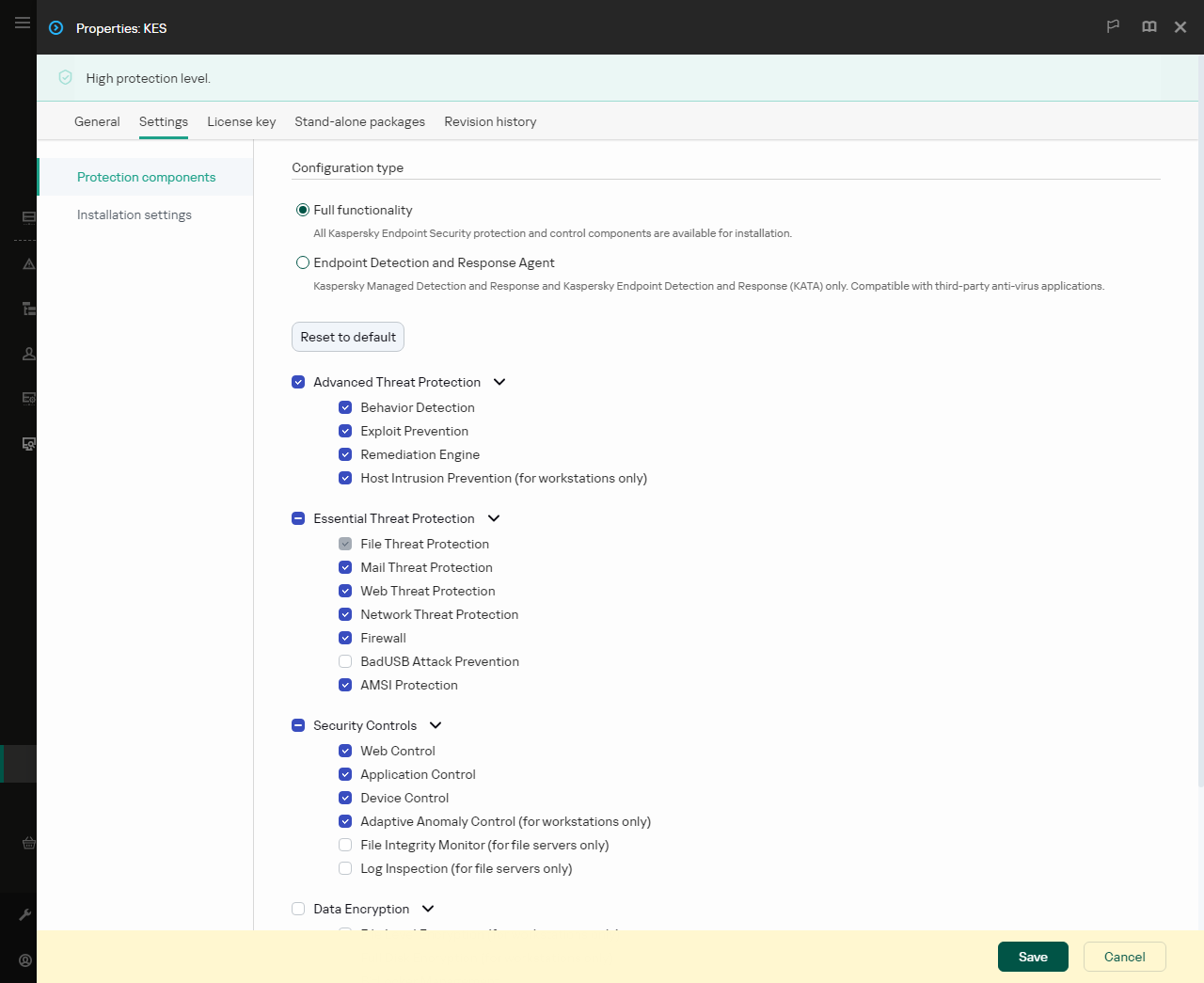
Components included in the installation package
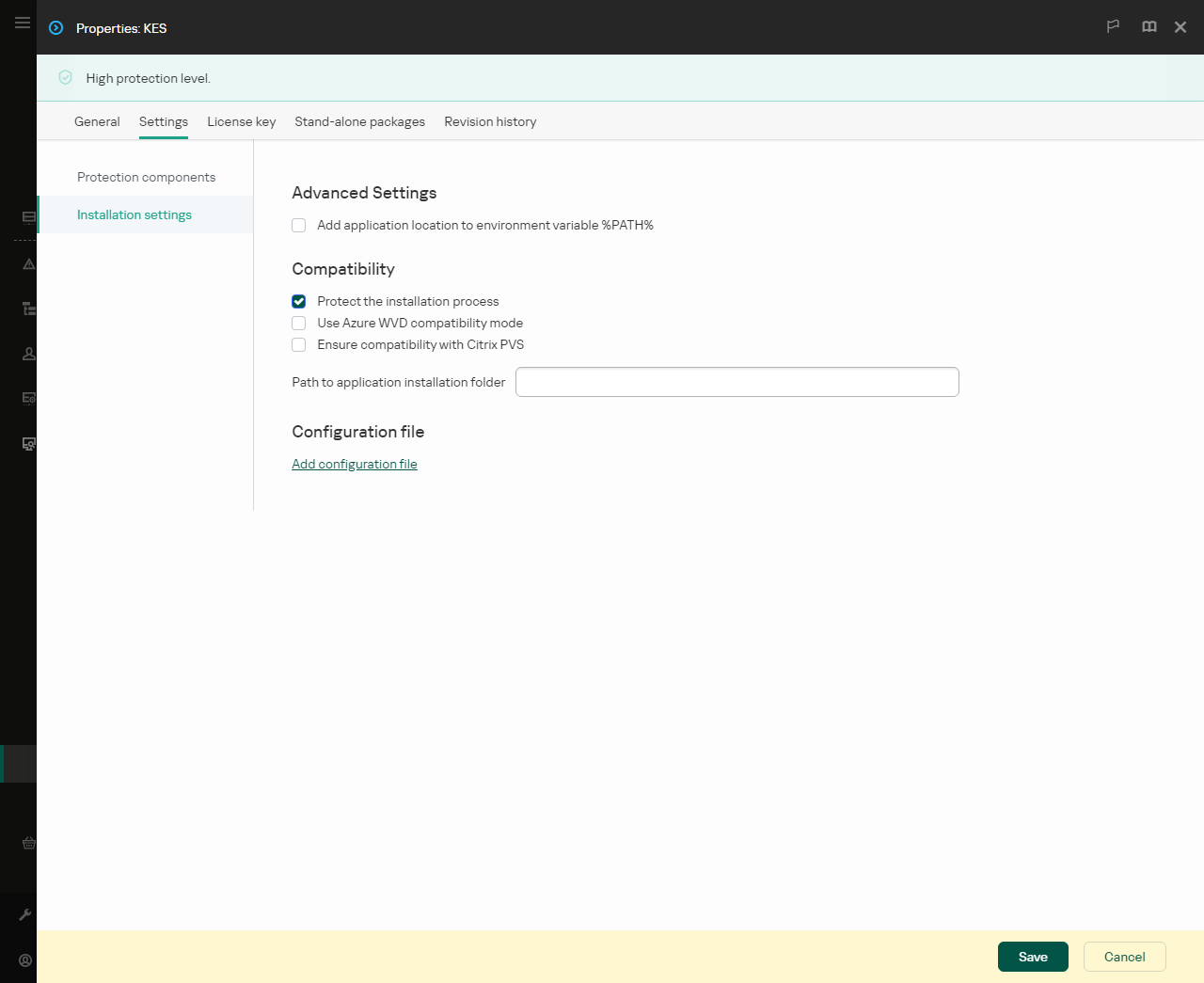
Installation settings of the installation package
Related Articles
How to create an installation package in the Administration Console (MMC)
In the Administration Console, go to the folder Administration Server → Advanced → Remote installation → Installation packages. This opens a list of installation packages that have been downloaded to Kaspersky Security Center. Click the Create ...How to create a remote installation task in the Administration Console (MMC)
Open the Kaspersky Security Center Administration Console. In the console tree, select Tasks. The list of tasks opens. Click New task. The Task Wizard starts. Follow the instructions of the Wizard. Step 1. Selecting task type Select Kaspersky ...